

A balcony can be one of the most useful spaces in a home for remote work. It offers daylight, fresh air, and a change of scenery without the cost of an extra room. It also comes with real limits: sun, wind, rain, noise, and a small footprint. The ideas below focus on making a balcony workable for daily use, not just for a single afternoon.
Table of Contents
- Why a Balcony Can Work as a Home Office
- Checking Your Balcony Before You Set Up
- Seating That Supports Long Workdays
- Desk Layouts for Small and Large Balconies
- Managing Sun, Glare, and Wind
- Privacy and Boundaries
- Power, Connectivity, and Weather Protection
- Keeping the Setup Comfortable Over Time
Why a Balcony Can Work as a Home Office
Working outdoors can improve mood and reduce the sense of being stuck indoors all day. Many people also find that a defined outdoor space creates a clearer boundary between work and home life, especially when the workday ends and the laptop goes inside. The main benefits are natural light, a change of scenery, and a place to take short breaks without leaving the house.
The trade-offs are just as clear. Bright sun can make screens hard to read, wind can knock over lightweight items, and cold or damp conditions can make sitting still uncomfortable. A balcony office works best when it is planned around these conditions rather than treated as a patio with a laptop on it.

Checking Your Balcony Before You Set Up
Before buying furniture, spend a few days observing the space. Note when the sun reaches the balcony, which direction the wind usually blows from, and whether neighbors or street noise are a problem at certain times. Measure the usable depth after accounting for the door swing and the walkway you need to keep clear.
Check the practical basics as well:
- Load limits: Some balconies, especially older ones, have weight restrictions. Heavy cabinets or large planters should be checked against building guidance.
- Building rules: Many apartment buildings limit what can be attached to railings or placed on balconies.
- Power access: A nearby outlet or a weatherproof extension cord makes the setup far easier.
- Internet signal: Test your Wi-Fi outdoors before committing to a layout. A mesh extender or a long Ethernet run may be needed.
Seating That Supports Long Workdays
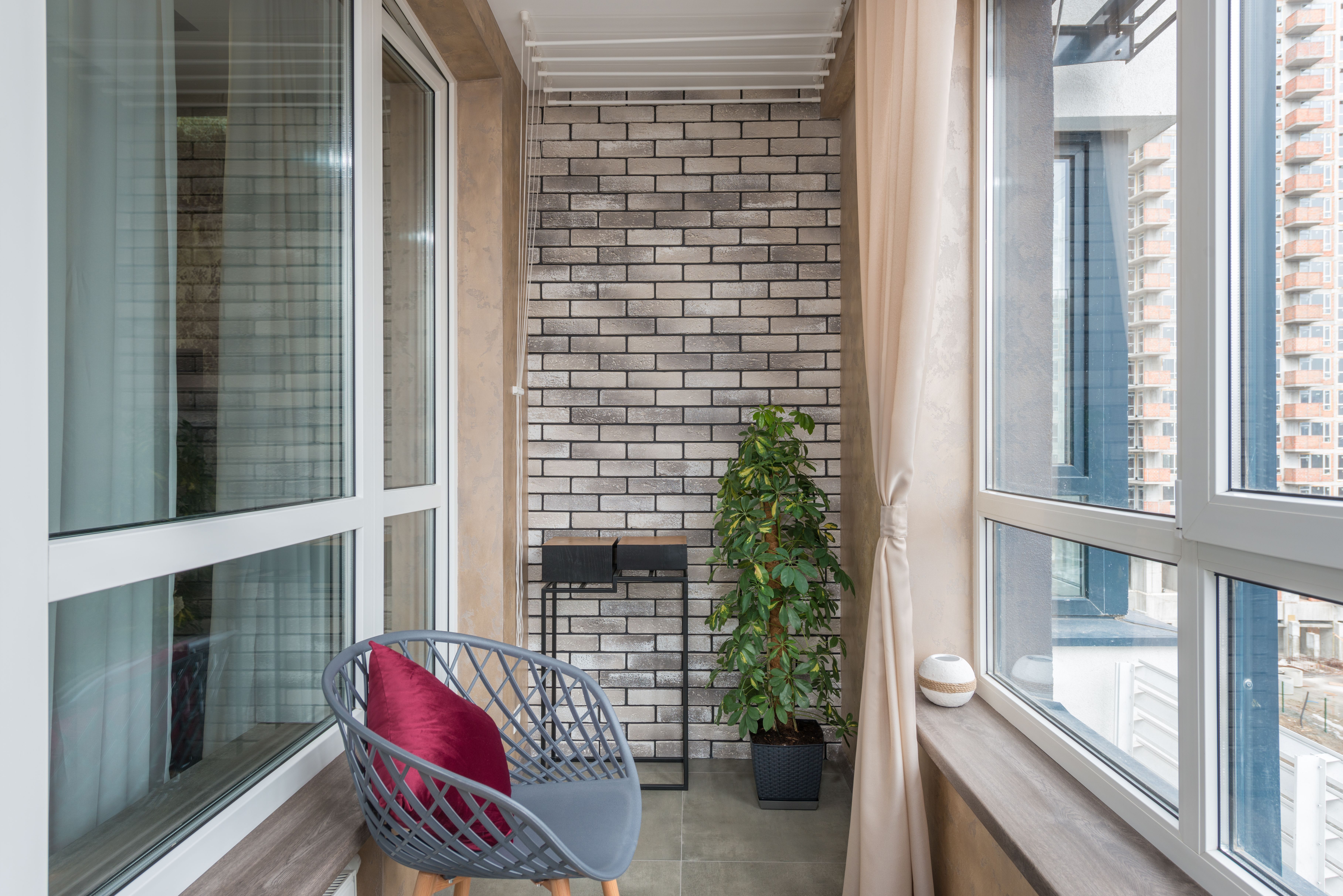
Seating matters more on a balcony than many people expect, because outdoor chairs are often designed for relaxing rather than for long stretches of typing. The Centers for Disease Control and Prevention’s NIOSH guidance on working from home recommends a seat with armrests and feet resting flat on the floor, with hips and knees at or slightly beyond a 90-degree angle. Low lounge chairs and cushioned sofas are generally a poor fit for daily work.
When choosing outdoor seating, look for:
- A firm seat and a backrest that supports the lower back
- Weather-resistant fabric or a cushion that can be stored indoors at night
- Adjustable height, or a footrest or box to keep your feet flat
- Enough room to stand up and stretch without knocking into the railing
Desk Layouts for Small and Large Balconies
The right desk depends mainly on depth. A narrow balcony usually calls for a wall-mounted or fold-down surface, while a deeper one can hold a proper writing desk and a second chair. The table below compares common layouts by balcony size.
Whatever the size, a few principles apply. Keep the screen roughly an arm’s length away, with the top of the display at or just below eye level. An external keyboard and mouse help when working on a laptop, and a laptop stand or stacked books can raise the screen to the right height.
Managing Sun, Glare, and Wind
Sun is the most common problem for balcony offices. Strong daylight behind or beside a screen causes reflections and eye strain. OSHA’s Computer Workstations eTool recommends placing monitors so they sit at right angles to windows where possible, which reduces both direct glare and reflections.
Practical fixes include:
- Shade sails or retractable awnings to block direct sun during peak hours
- Matte screen filters for laptops that are used in bright conditions
- Adjustable screen position so you can turn the display away from the sun as it moves
- Heavy-based umbrellas or weighted planters to keep shade in place when the wind picks up
Wind also affects paper, cables, and light objects. Use clips for notes, keep cables tucked under the desk, and avoid leaving a laptop on a surface that could be blown off.
Privacy and Boundaries
Privacy can make a balcony office feel more like a workspace and less like a public seating area. Video calls are a common reason to add screening, especially in apartments or dense neighborhoods. A simple option is a privacy screen, planter wall, or tall plants at the edges. If the balcony is open to neighbors or the street, a low run of fencing along one side can create a sense of enclosure while still allowing light and air through.
When adding privacy elements, consider how they affect airflow and shade. Solid panels block wind but can also trap heat, while slatted or perforated designs usually feel more comfortable on hot days.
Power, Connectivity, and Weather Protection
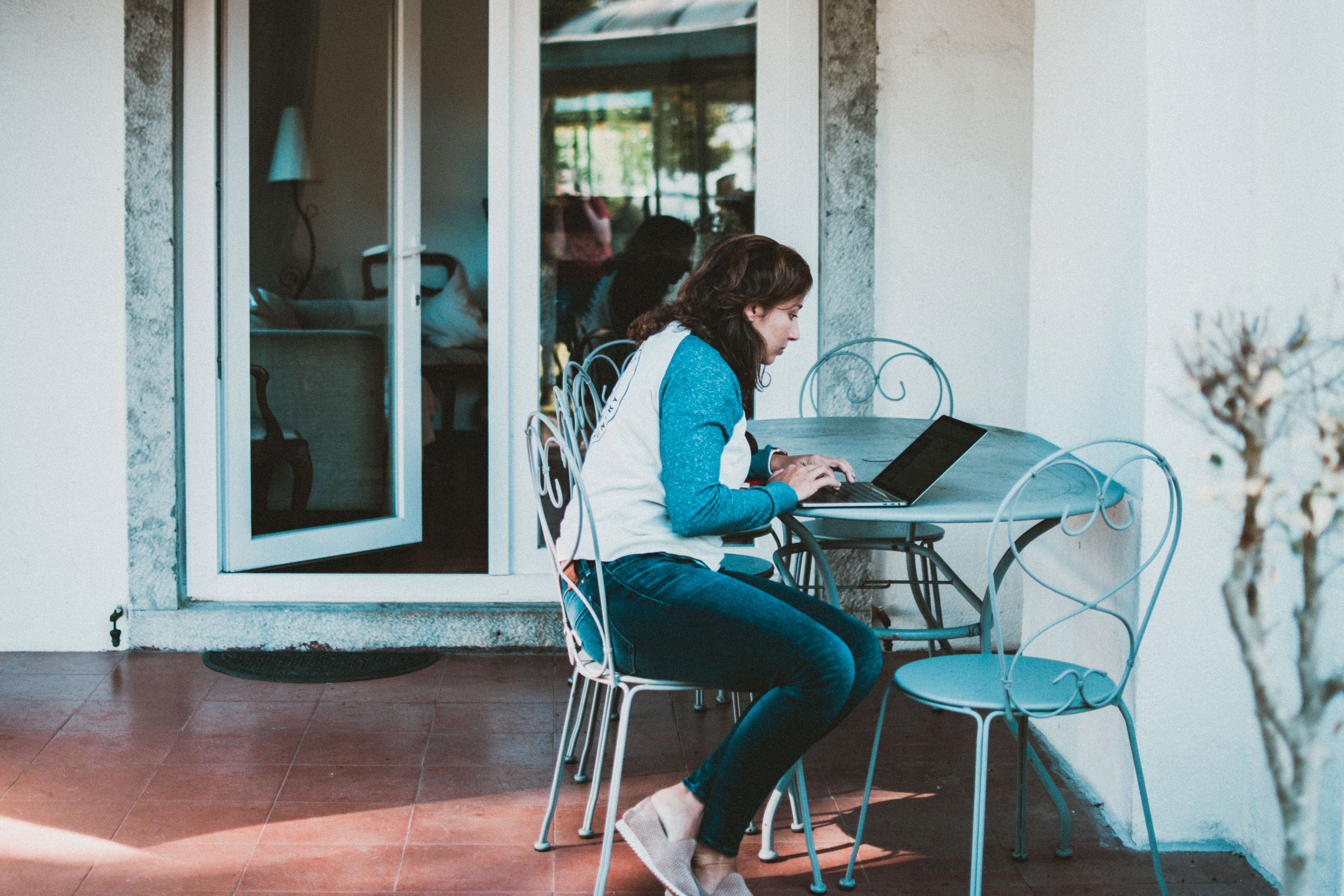
Outdoor work depends on reliable basics. Plan these before the first full workday:
- Use outdoor-rated extension cords and keep plugs off the floor where rain can pool.
- Add a surge protector with a weatherproof cover for laptops and monitors.
- Test your connection at the exact chair position, not just near the door.
- Store electronics indoors during heavy rain, strong wind, or cold snaps.
- Keep a waterproof bin or cabinet for chargers, notebooks, and spare cables.
Cold weather needs its own plan. A compact heater designed for outdoor use can help, but check your building’s rules and the manufacturer’s clearance requirements first. A lap blanket and a windproof layer are often enough for mild days.
Keeping the Setup Comfortable Over Time
A balcony office works best when it is easy to reset each day. Keep frequently used items in a single storage box, use lightweight furniture that is easy to move, and plan a simple shutdown routine for the evening. Breaks matter as well. Short movement breaks, a few minutes away from the screen, and a change of posture each hour help prevent the stiffness that comes from sitting in one place.
The European Agency for Safety and Health at Work recommends combining good workstation setup with regular movement, including short standing or walking breaks during the day. Applied to a balcony, that might mean standing for a call at the railing, stretching between tasks, or stepping inside for water every so often.
Start Small and Adjust
There is no need to build a full outdoor office on day one. Begin with one chair, one table or ledge, and a reliable power and internet setup. Work there for a week, note what is too hot, too bright, or too windy, and adjust from that. Most balcony offices improve over time, as the layout settles around the real conditions of the space and the rhythm of the workday.